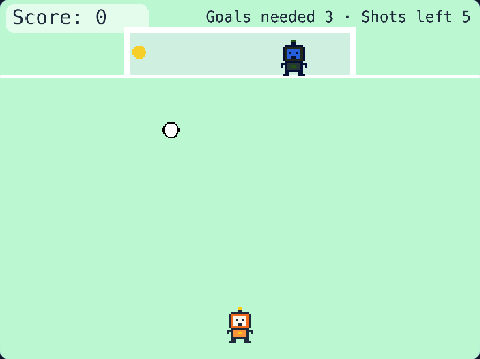
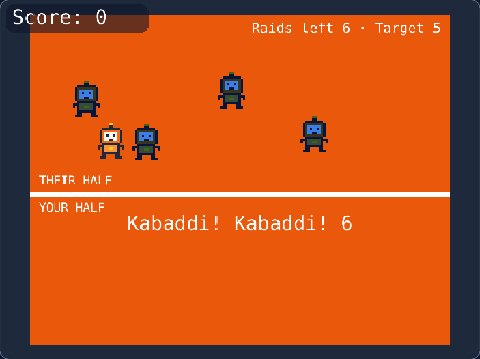
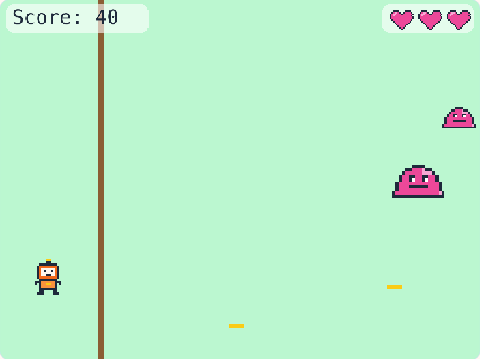
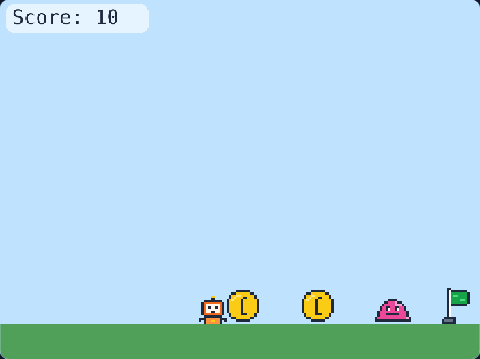
118 lines of real JavaScript, made with TalentJR Game Studio's game library. Lines that start with // explain what the next part does.
Show the whole game code
// 🏏 Cricket — TalentJR Game Studio
// ✏️ Change these numbers, then press ▶ Run!
let ballSpeed = 360       // how fast the bowler bowls
let swingTime = 0.3       // how long your bat swing lasts (seconds)
let target = 24           // runs you need to win
let balls = 12            // balls you get (6 balls = 1 over)
let wickets = 3           // outs before your innings ends
let sixRuns = 6           // runs for a perfect hit
let pitchColor = [214, 196, 140]

tj.setup({ background: "grass" })
tj.touchControls("tap")

// The pitch, the stumps, the bowler and you (the batter)
add([rect(width(), 70), pos(0, 410), color(...pitchColor)])
add([rect(6, 60), pos(60, 352), color(255, 247, 237)])
add([rect(6, 60), pos(70, 352), color(255, 247, 237)])
add([rect(6, 60), pos(80, 352), color(255, 247, 237)])
add([sprite("robot", { flipX: true }), pos(540, 362), scale(0.75)])
add([sprite("robot"), pos(96, 362), scale(0.75)])
const bat = add([rect(10, 64), pos(146, 396), anchor("bot"), rotate(25), color(139, 94, 52)])

// Runs, balls left and wickets left
const score = tj.score()
let ballsLeft = balls
let wicketsLeft = wickets
const info = add([text("", { size: 20 }), pos(width() - 12, 14), anchor("topright"), color(30, 41, 59)])
function showInfo() {
    info.text = "Target " + target + " · Balls " + ballsLeft + " · Wickets " + wicketsLeft
}
showInfo()

// The bowler bowls: the ball flies, bounces on the pitch and comes to you
const ball = add([circle(8), pos(530, 350), color(220, 38, 38)])
let vel = vec2(0, 0)
let flying = false        // the ball is on its way
let hit = false           // you hit it!
function bowl() {
    ball.pos = vec2(530, 350)
    vel = vec2(-ballSpeed, -120)
    flying = true
    hit = false
}
ball.onUpdate(() => {
    if (!flying) return
    vel.y = vel.y + 900 * dt()                 // gravity pulls the ball down
    ball.pos = ball.pos.add(vel.scale(dt()))
    if (!hit && ball.pos.y > 402) {            // bounce on the pitch
        ball.pos.y = 402
        vel.y = -vel.y * 0.75
    }
    if (!hit && ball.pos.x < 86) out()         // you missed: it hits the stumps
    if (hit && (ball.pos.x > width() + 20 || ball.pos.y > height())) nextBall()
})

// SPACE (or tap): swing the bat!
let swinging = false
tj.onAction("jump", () => {
    if (swinging) return
    swinging = true
    tween(25, 160, swingTime, (a) => {
        bat.angle = a
    })
    wait(swingTime, () => {
        swinging = false
        bat.angle = 25
    })
})

// Bat meets ball: the closer to the middle of the bat, the bigger the shot
onUpdate(() => {
    if (!swinging || hit || !flying) return
    if (ball.pos.x > 100 && ball.pos.x < 200) {
        hit = true
        const miss = Math.abs(ball.pos.x - 150)     // 0 = right in the middle
        if (miss < 20) shot(sixRuns, "SIX!", vec2(520, -620))
        else if (miss < 40) shot(4, "FOUR!", vec2(620, -260))
        else shot(1, "1 run", vec2(260, -200))
    }
})
function shot(runs, words, speed) {
    vel = speed
    score.add(runs)
    tj.sound(runs >= 4 ? "coin" : "pop")
    say(words)
    if (score.value >= target) tj.victory("You won! 🏆 " + score.value + " runs")
}
function say(words) {
    add([text(words, { size: 56 }), pos(width() / 2, 170), anchor("center"), color(30, 41, 59), opacity(1), lifespan(1, { fade: 0.5 })])
}

// Missed it? The ball hits the stumps: OUT!
function out() {
    flying = false
    wicketsLeft = wicketsLeft - 1
    tj.sound("hit")
    shake(8)
    say("OUT! Bowled")
    if (wicketsLeft <= 0) {
        showInfo()
        tj.gameOver("All out! " + score.value + " runs")
    } else nextBall()
}

// After every ball: the next one — until the balls run out
function nextBall() {
    flying = false
    ballsLeft = ballsLeft - 1
    showInfo()
    if (ballsLeft <= 0) {
        if (score.value >= target) tj.victory("You won! 🏆")
        else tj.gameOver("Out of balls! " + score.value + " of " + target + " runs")
        return
    }
    wait(1.2, bowl)
}
wait(1, bowl)