Free · Ages 7–15 · No download · Works in the browser · 19 games
How to make a game — make your own game online, free
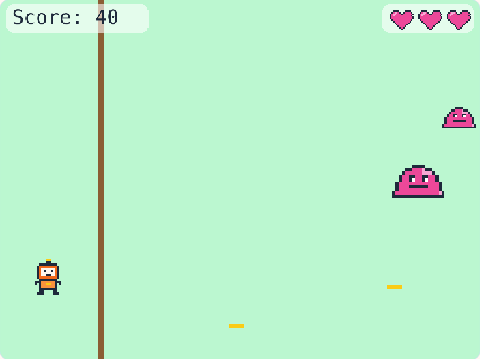
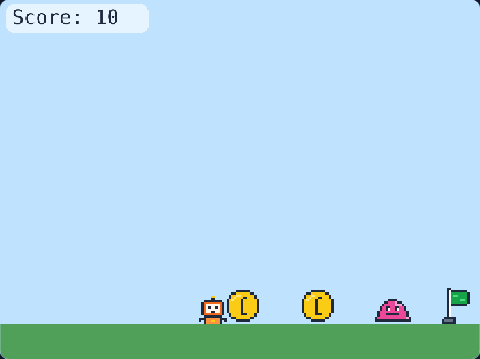
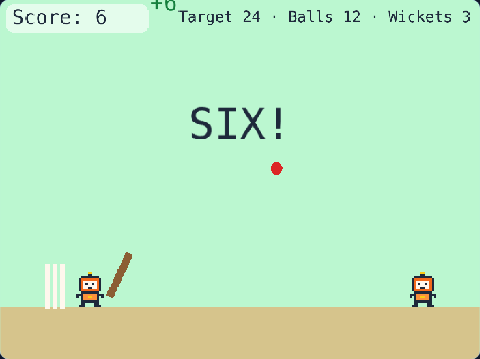
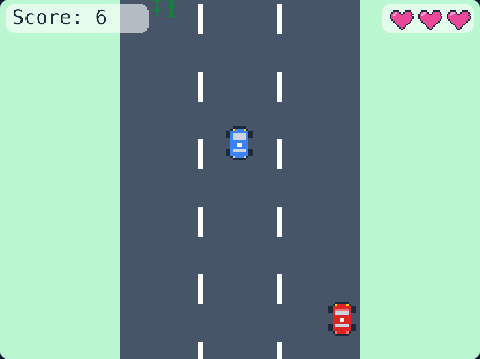
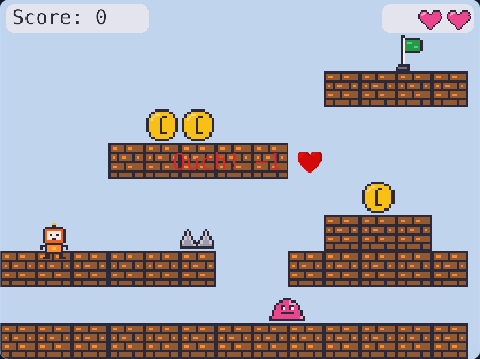
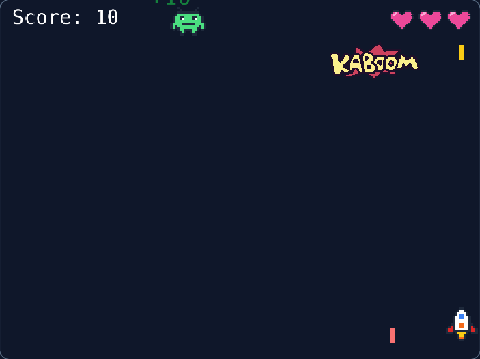
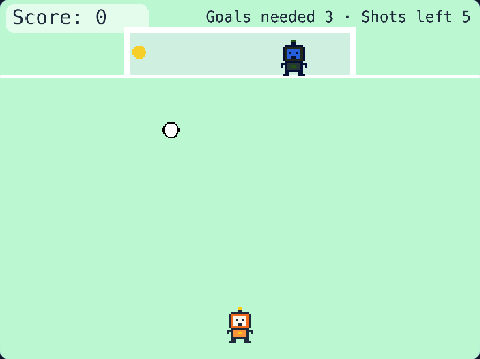
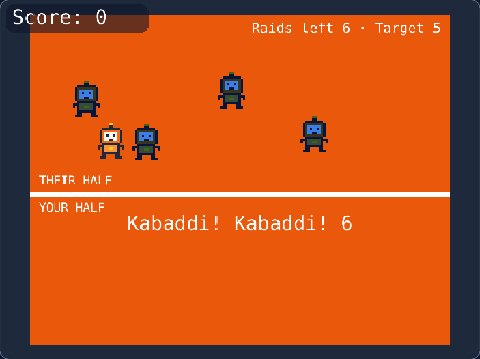
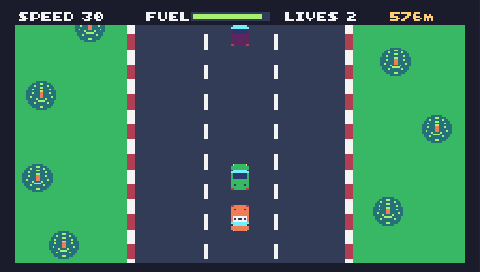
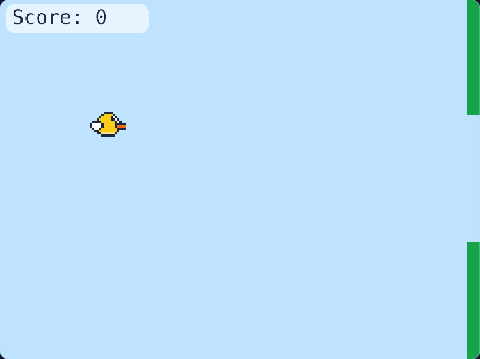
Making a game is the most fun way to learn coding. Pick a game you like — running, racing, shooting, cricket — play it, then change it until it is yours: faster, harder, new levels, new art, your own name on it. Then share it with friends and family. Make it with blocks, real JavaScript or 8-bit retro code — and soon just by telling our AI your idea.
🤖
Coming soon
Make a game with AI
Tell the TalentJR AI your game idea in your own words — “a racing game on the moon with 3 lives” — and it builds a first version for you. Then you open the code and make it yours. Should we build it?
✅ Thanks — you are counted!
Sign in (with a parent’s Google account) if you want us to tell you when it opens.
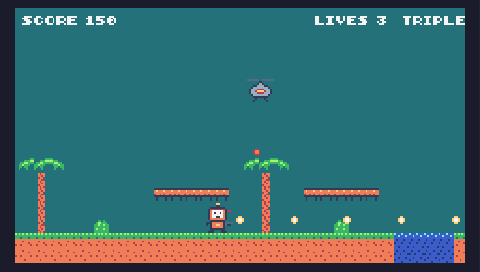
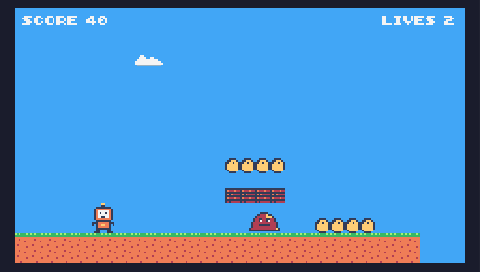
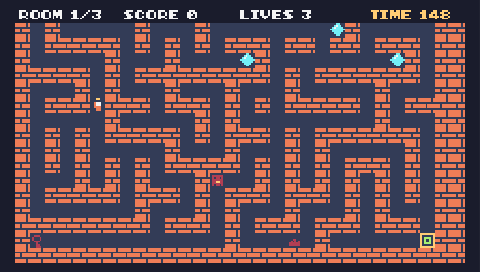
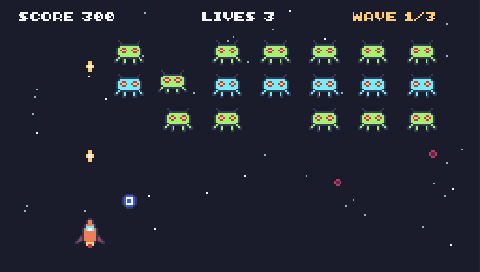
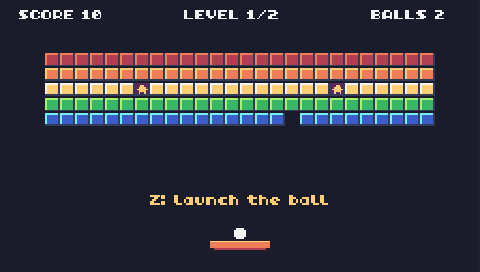
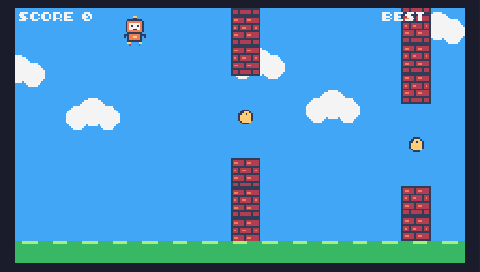
A retro game maker in your browser: real 8-bit games like the classics. Change the code, draw the pixel sprites, paint the levels, make the chiptune sounds.
Tell the TalentJR AI your game idea in your own words and it builds a first version. Then you open the code and change it until it is yours. Tap “I want this” and we will tell you when it opens.
Children learn variables, loops, conditions and debugging because they want their game to work — not because a worksheet says so.
Logic and creativity together
Planning a level, balancing difficulty and drawing a character use both sides of thinking.
Safe to share
Only the first name is shown, share links are unlisted, and phone numbers, e-mails and links are blocked in shared games.
TalentJR Points
2 active minutes of making games a day earn +10 TalentJR Points — the same points as every TalentJR app.
Questions about making games
How do I make a game for free?
Open TalentJR Game Studio in your browser — it is free. Pick a game, play it, then change it: start with one number (like the speed), press Run, and see your change. Sign in to save your games and share them.
Do I need to download anything?
No. Everything runs in the browser on a laptop, desktop or tablet. Nothing to install.
Can I make a game without coding?
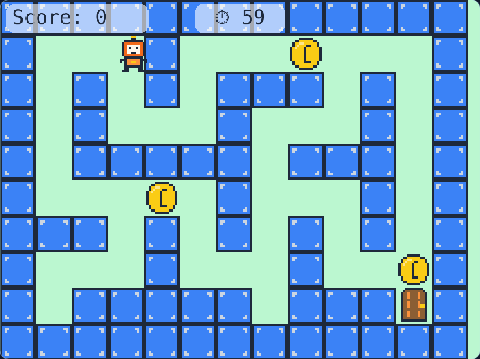
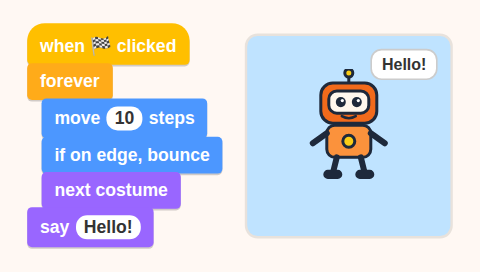
Yes. Code Studio uses blocks: you snap them together instead of typing. When you are ready, the JavaScript studio shows the real code behind the same ideas.
How do I make a game in JavaScript?
Start with "Your first game": 7 short missions where you type Coin Run yourself, line by line, and every line is explained. Then open any game in the studio and change its code.
What is a retro game maker?
A tool for making 8-bit games like the old consoles. TalentJR Retro Studio runs a real 8-bit computer (TIC-80) in your browser: you change the JavaScript code, draw pixel sprites, paint the map and make chiptune sounds.
How old should my child be?
Blocks from about 7, typing JavaScript from about 10, retro 8-bit games from about 12. Any age can play the games.
Can I make a game on my phone?
Playing works on any phone. Making a game needs a laptop or a tablet — JavaScript and Retro need a keyboard; blocks work on a tablet.
How do I share my game?
Sign in, press 🚀 Share and publish: you get a link like talentjr.in/play/… that anyone can open and play — and remix into their own version.