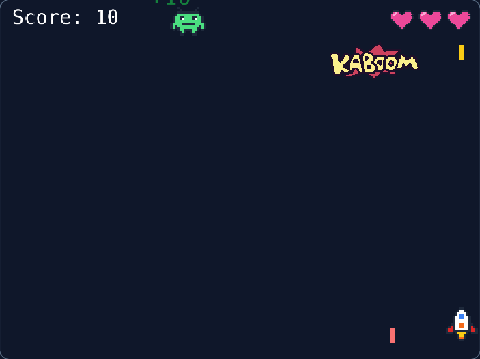
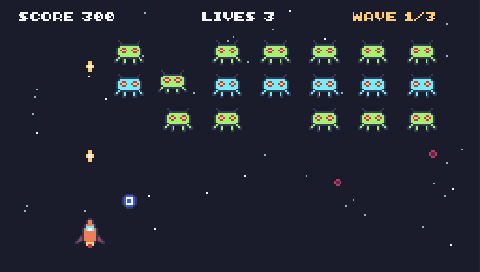
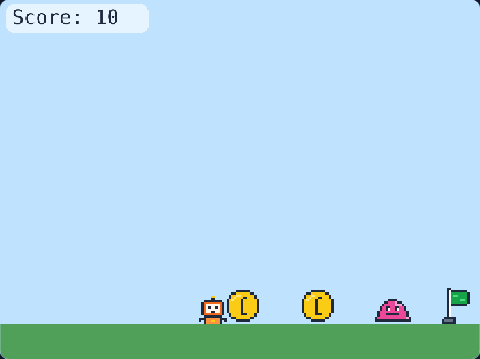
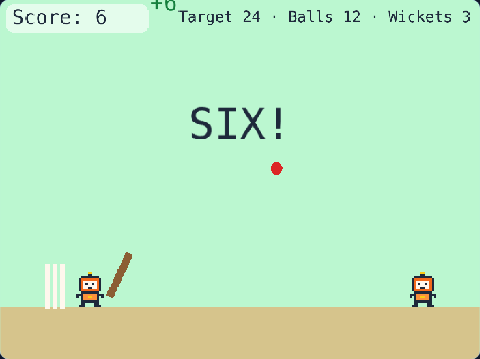
69 lines of real JavaScript, made with TalentJR Game Studio's game library. Lines that start with // explain what the next part does.
Show the whole game code
// 🎯 Slime Blaster — TalentJR Game Studio
// ✏️ Change these numbers, then press ▶ Run!
let robotSpeed = 260
let blastSpeed = 700
let slimeSpeed = 70
let slimeEvery = 1.4      // a new slime every … seconds
let slimePoints = 10
let bigSlimeHits = 3      // a big slime needs this many hits
let startLives = 3
let target = 150          // points to win
let fenceColor = [139, 94, 52]

tj.setup({ background: "grass" })
tj.touchControls("arrows-fire")

// The fence you defend: no slime may get past it
add([rect(8, height()), pos(130, 0), color(...fenceColor)])

const robot = tj.player({ sprite: "robot", x: 40, y: 220, speed: robotSpeed, mode: "topdown" })
const score = tj.score()
const lives = tj.lives(startLives)

// The robot stays behind the fence
robot.onUpdate(() => {
    robot.pos.x = Math.max(0, Math.min(robot.pos.x, 80))
    robot.pos.y = Math.max(50, Math.min(robot.pos.y, height() - 48))
})

// Fire with SPACE (or the A button): a blast flies to the right
tj.onAction("fire", () => {
    add([rect(20, 6), color(250, 204, 21), pos(robot.pos.x + 44, robot.pos.y + 22), area(), move(RIGHT, blastSpeed), offscreen({ destroy: true }), "blast"])
    tj.sound("pop")
})

// Slimes march in from the right. Every 5th one is BIG
let slimeCount = 0
loop(slimeEvery, () => {
    slimeCount = slimeCount + 1
    const big = slimeCount % 5 === 0
    add([sprite("slime"), pos(width(), rand(60, height() - 60)), scale(big ? 1.1 : 0.7), area(), move(LEFT, big ? slimeSpeed * 0.7 : slimeSpeed), "slime", { hp: big ? bigSlimeHits : 1 }])
})

// A blast hits a slime
onCollide("blast", "slime", (blast, slime) => {
    destroy(blast)
    slime.hp = slime.hp - 1
    if (slime.hp <= 0) {
        destroy(slime)
        addKaboom(slime.pos)
        score.add(slimePoints)
        if (score.value >= target) {
            tj.victory("You saved the farm!")
        }
    }
})

// A slime gets past the fence: lose a life
onUpdate("slime", (slime) => {
    if (slime.pos.x < 100) {
        destroy(slime)
        lives.lose()
    }
})

// Every 15 seconds the slimes get faster
loop(15, () => {
    slimeSpeed = slimeSpeed + 15
})