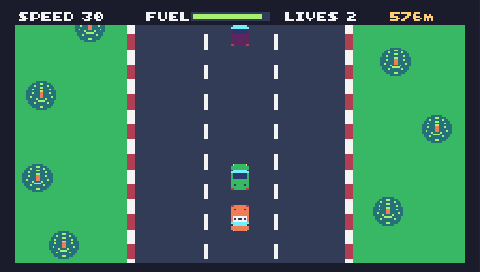
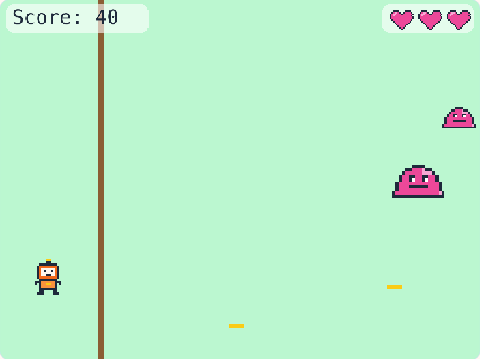
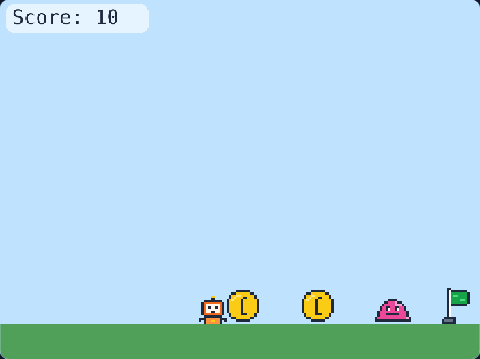
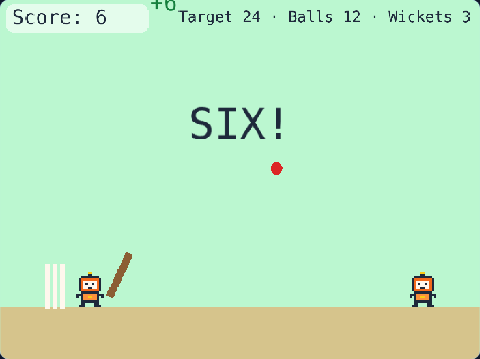
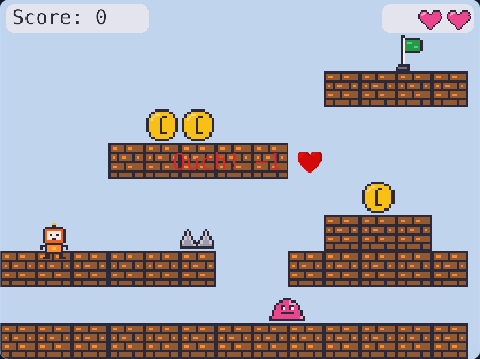
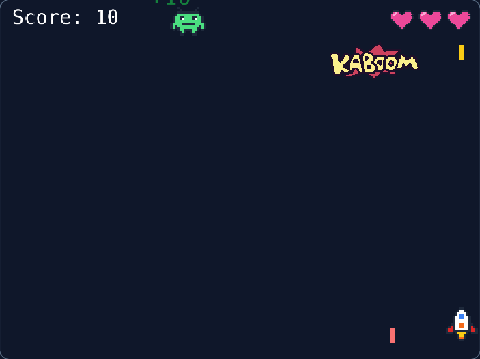
76 lines of real JavaScript, made with TalentJR Game Studio's game library. Lines that start with // explain what the next part does.
Show the whole game code
// 🏎️ Retro Racing — TalentJR Game Studio
// ✏️ Change these numbers, then press ▶ Run!
let steerSpeed = 300      // how fast your car moves left and right
let roadSpeed = 300       // how fast the road moves at the start
let speedUp = 10          // the road gets this much faster every second
let trafficEvery = 1.5    // a new car comes every … seconds
let startLives = 3
let roadColor = [71, 85, 105]

tj.setup({ background: "grass" })
tj.touchControls("leftright")

// The road: 3 lanes in the middle
const ROAD_X = 160
const ROAD_W = 320
add([rect(ROAD_W, height()), pos(ROAD_X, 0), color(...roadColor), z(-2)])

// White stripes slide down, so the road looks like it moves
for (let i = 0; i < 6; i++) {
    add([rect(6, 40), pos(ROAD_X + 104, i * 90), color(255, 255, 255), z(-1), "stripe"])
    add([rect(6, 40), pos(ROAD_X + 210, i * 90), color(255, 255, 255), z(-1), "stripe"])
}

// The road gets faster and faster
let speed = roadSpeed
onUpdate(() => {
    speed = speed + speedUp * dt()    // faster and faster!
})
onUpdate("stripe", (stripe) => {
    stripe.move(0, speed)
    if (stripe.pos.y > height()) {
        stripe.pos.y = stripe.pos.y - 540
    }
})

// Your car — stays on the road
const car = tj.player({ sprite: "car", x: 296, y: 400, speed: steerSpeed, mode: "leftright" })
car.use(opacity(1))
car.onUpdate(() => {
    car.pos.x = Math.max(ROAD_X, Math.min(ROAD_X + ROAD_W - 48, car.pos.x))
})
const score = tj.score()
const lives = tj.lives(startLives)

// The further you drive, the more points
loop(0.25, () => {
    score.add(1)
})

// Other cars come down the lanes
loop(trafficEvery, () => {
    const lane = choose([0, 1, 2])
    tj.spawn("car2", { x: ROAD_X + 29 + lane * 106, y: -60, tag: "traffic" })
})
onUpdate("traffic", (other) => {
    other.move(0, speed * 0.5)
    if (other.pos.y > height() + 60) {
        destroy(other)
    }
})

// Crash! Then 1.5 seconds to get away (the car blinks)
let safe = false
car.onCollide("traffic", (other) => {
    destroy(other)
    addKaboom(other.pos)
    if (safe) return
    lives.lose()
    safe = true
    car.opacity = 0.4
    wait(1.5, () => {
        safe = false
        car.opacity = 1
    })
})