🏃 Free · Ages 10+ · JavaScript · No download
Your first JavaScript game: Coin Run, step by step
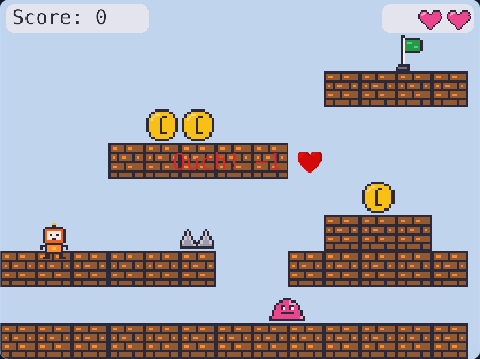
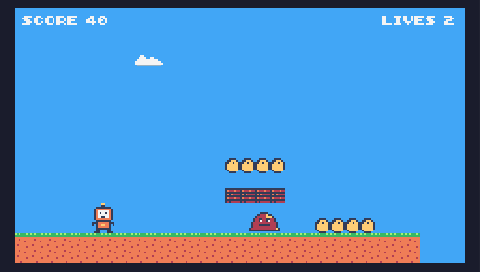
Run, jump over the enemy, collect the coins and touch the flag. The game you type in the tutorial! In this tutorial you type the whole game yourself — every line is explained.
🎮 Controls: ← → run · SPACE jump
Make it yours
7 short missions: you type each part of the game and see it work at once. No download — it runs in your browser.
How to make your first game in JavaScript — 7 missions
Each mission adds one part of Coin Run. You type it, the game updates, and the studio explains every word.
🤖 Make your robot Every game needs a hero. One line of code makes yours. You type: const robot = addRobot(100, 200)
🟩 Ground and gravity Right now the robot floats. Pull it down with gravity and give it a floor to stand on. You type: setGravity(1600)
addFloor()
➡️ Make it move Tell the game: WHILE the → key is held down, move the robot right. And the same for ←. You type: onKeyDown("right", () => {
robot.move(240, 0)
})
onKeyDown("left", () => {
robot.move(-240, 0)
})
⤴️ Jump! Press SPACE to jump — but only when the robot is standing on something (no flying!). You type: onKeyPress("space", () => {
if (robot.isGrounded()) {
robot.jump(650)
}
})
🪙 Coins Put 3 coins on the floor. Same function, different numbers. You type: addCoin(200, 384)
addCoin(300, 384)
addCoin(400, 384)
⭐ Collect coins + score A VARIABLE remembers the score. When the robot touches a coin: remove the coin and add 10. You type: let score = 0
robot.onCollide("coin", (coin) => {
destroy(coin)
score = score + 10
showScore(score)
})
🏁 Enemy and flag: win or lose Last mission! Touch the enemy = you lose. Touch the flag = you win. You already know this pattern. You type: addEnemy(500, 384)
robot.onCollide("enemy", () => {
lose("Ouch! Try again")
})
addFlag(590, 384)
robot.onCollide("flag", () => {
win("You win! 🎉")
})
The Coin Run code (JavaScript)
41 lines of real JavaScript, made with TalentJR Game Studio's game library. Lines that start with // explain what the next part does.
Show the whole game code
// 🏃 Coin Run — my first game
// Type your code below. The game on the right runs it by itself.
const robot = addRobot(100, 200)
setGravity(1600)
addFloor()
onKeyDown("right", () => {
    robot.move(240, 0)
})
onKeyDown("left", () => {
    robot.move(-240, 0)
})
onKeyPress("space", () => {
    if (robot.isGrounded()) {
        robot.jump(650)
    }
})
addCoin(200, 384)
addCoin(300, 384)
addCoin(400, 384)
let score = 0
robot.onCollide("coin", (coin) => {
    destroy(coin)
    score = score + 10
    showScore(score)
})
addEnemy(500, 384)
robot.onCollide("enemy", () => {
    lose("Ouch! Try again")
})
addFlag(590, 384)
robot.onCollide("flag", () => {
    win("You win! 🎉")
})
How it works on TalentJR
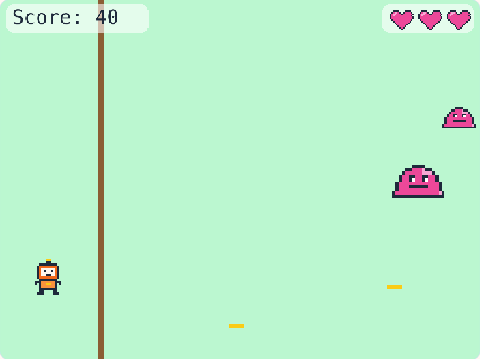
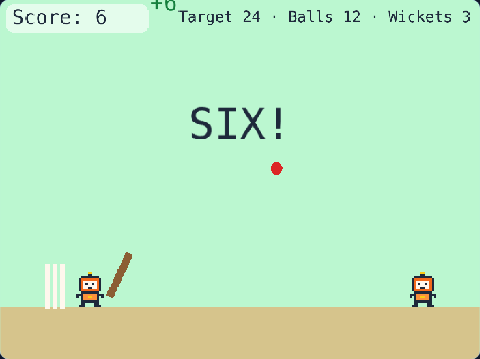
Play the game Find out what feels too easy or too hard — that is what you will change.Type it mission by mission The code appears line by line as you type it; a robot, a jump, coins, an enemy, a flag.Change one thing at a time A number first, then a new rule, then your own art and title.Save and share Sign in to keep your game, then share a talentjr.in/play/… link on WhatsApp — friends can play it and make their own version.