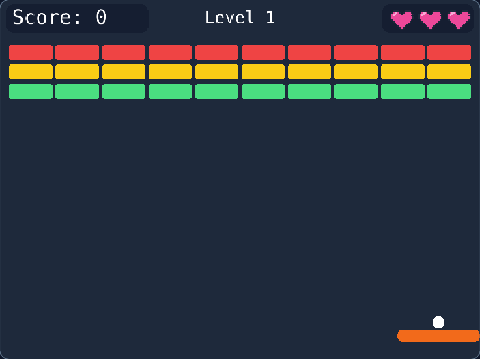
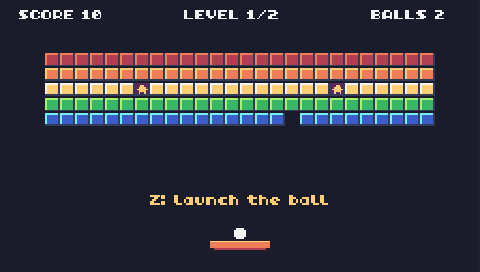
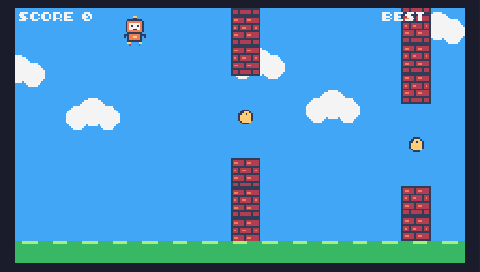
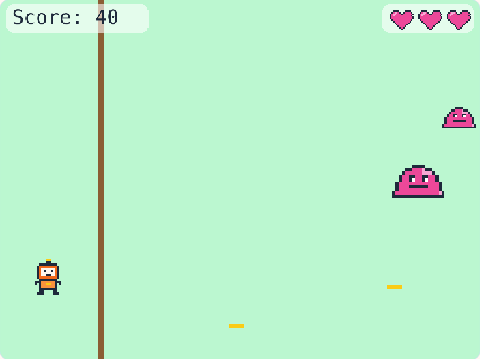
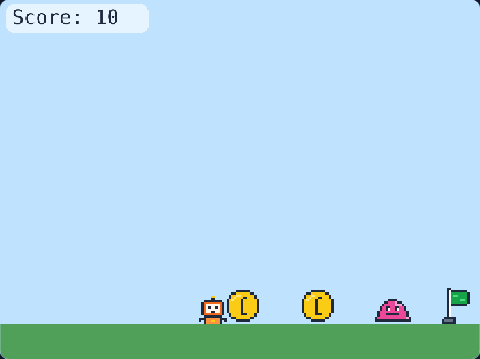
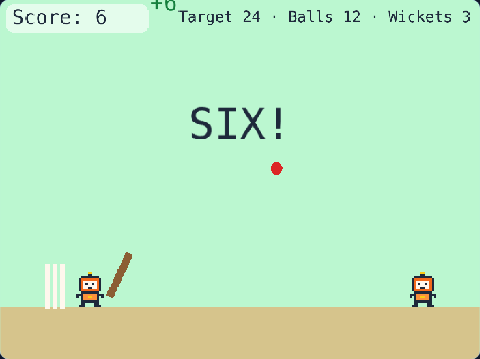
71 lines of real JavaScript, made with TalentJR Game Studio's game library. Lines that start with // explain what the next part does.
Show the whole game code
// 🐦 Flying Game — TalentJR Game Studio
// ✏️ Change these numbers, then press ▶ Run!
let flapPower = 420       // how strongly the bird flies up
let gravity = 1200        // how hard it falls
let gapSize = 170         // the space to fly through
let wallSpeed = 200
let speedUp = 6           // the walls get faster every second
let wallEvery = 1.6       // a new wall every … seconds
let wallColor = [22, 163, 74]

tj.setup({ background: "sky" })
tj.touchControls("tap")

const bird = add([sprite("bird"), pos(120, 200), scale(0.75), area({ scale: 0.7 }), body(), "player"])
const score = tj.score()
const hello = add([text("Press SPACE (or tap) to fly!", { size: 26 }), pos(width() / 2, 300), anchor("center"), color(30, 41, 59)])

// SPACE / ↑ / tap: fly up. The first flap starts the game
let started = false
tj.onAction("jump", () => {
    if (!started) {
        started = true
        setGravity(gravity)
        destroy(hello)
    }
    bird.jump(flapPower)
    tj.sound("jump")
})
// ↓ dives down faster
onUpdate(() => {
    if (tj.isDown("down")) bird.move(0, 300)
})

// Walls with a gap come from the right, faster and faster
let speed = wallSpeed
onUpdate(() => {
    if (started) speed = speed + speedUp * dt()
})
loop(wallEvery, () => {
    if (!started) return
    const gapY = rand(70, height() - 70 - gapSize)
    add([rect(70, gapY), pos(width(), 0), area(), color(...wallColor), "wall"])
    add([rect(70, height() - gapY - gapSize), pos(width(), gapY + gapSize), area(), color(...wallColor), "wall", "bottom"])
})
onUpdate("wall", (wall) => {
    wall.move(-speed, 0)
    if (wall.pos.x < -80) destroy(wall)
})

// A point for every wall you fly past
onUpdate("bottom", (wall) => {
    if (!wall.passed && wall.pos.x + 70 < bird.pos.x) {
        wall.passed = true
        score.add(1)
        tj.sound("coin")
    }
})

// Bonk!
bird.onCollide("wall", () => {
    tj.gameOver("Bonk! Game over")
})
// The top is a ceiling; falling off the bottom ends the game
bird.onUpdate(() => {
    if (bird.pos.y < 0) {
        bird.pos.y = 0
        bird.vel.y = 0
    }
    if (bird.pos.y > height()) tj.gameOver("Oops! Game over")
})